Managing and configuring network equipment requires the right tools, especially when working with Cisco devices. A console cable provides a direct connection between a computer and a network device, allowing administrators to access configuration settings and troubleshoot problems. However, different cables may have different connectors, lengths, and compatibility features. Choosing the right Cisco console cable can make network setup easier and help avoid connection issues.
Understand Your Cisco Device
The first step is to identify the Cisco device you need to connect. Cisco routers, switches, firewalls, and other networking equipment may use different console ports. Some older devices have traditional RJ45 console ports, while newer models may use USB or USB-C connections.
Checking the device manual or technical specifications before purchasing a Cisco console cable is important. This helps ensure that the cable connector matches the console port on your equipment. Using the correct cable can save time and prevent unnecessary troubleshooting.
Check the Connector Types
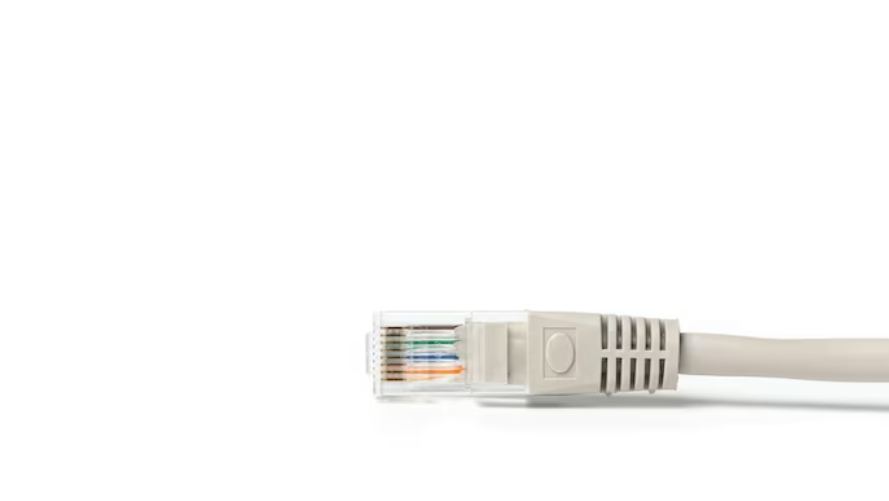
Connector type is one of the most important factors when selecting a Cisco console cable. A traditional cable may have an RJ45 connector on the networking device side and a serial connector or USB connector on the computer side.
Modern computers often do not include traditional serial ports. In such cases, a USB-to-console cable can be more convenient because it allows direct connection to a laptop or desktop computer. Before buying, check both the computer port and the console port on the Cisco device to ensure they are compatible.
Consider Cable Length
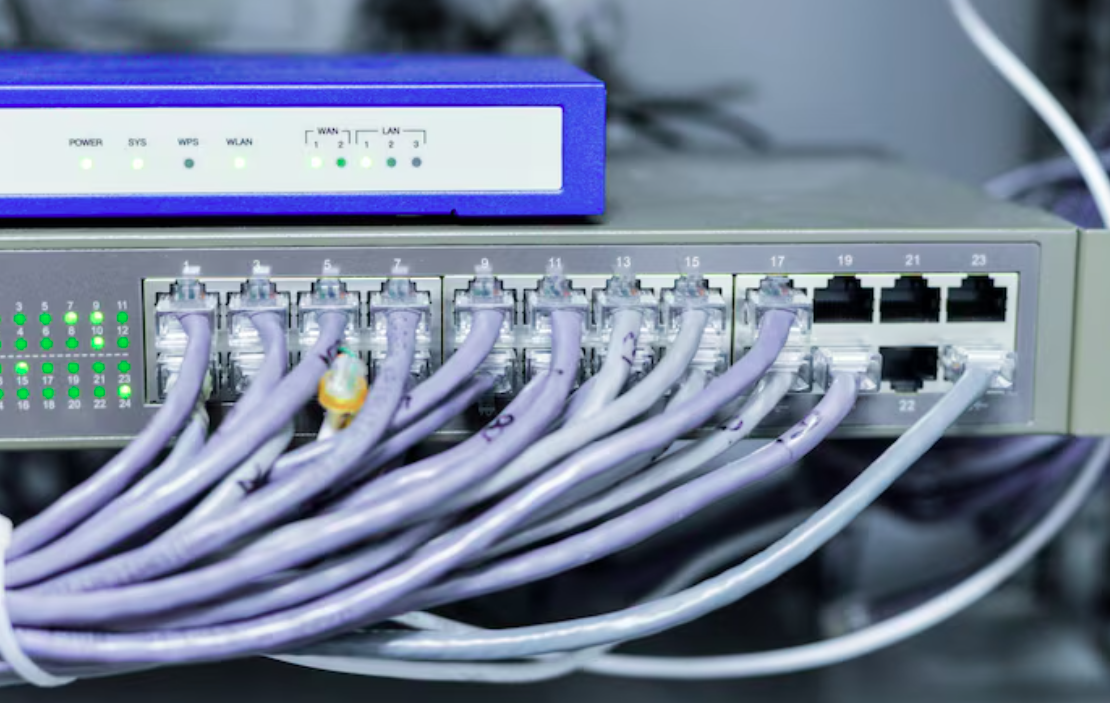
Cable length also matters when setting up networking equipment. A cable that is too short may make it difficult to work comfortably around a server rack or networking cabinet. On the other hand, an unnecessarily long cable can create clutter and make cable management more difficult.
Choose a Cisco console cable that provides enough length for your working environment without leaving excessive cable around the equipment. For a standard desk setup, a shorter cable may be sufficient, while rack-mounted equipment may require additional length.
Look for Reliable Build Quality
Network administrators often use console cables during installations, maintenance, and troubleshooting. For this reason, cable quality should not be overlooked. A well-made Cisco console cable should have durable connectors and a strong outer covering that can handle regular use.
Poor-quality cables may result in unstable connections or physical damage to connectors. Choosing a reliable cable from a reputable manufacturer can provide better performance and reduce the chances of connection problems during important network work.
Check Driver and Operating System Support
If you choose a USB-based Cisco console cable, make sure it works with your computer’s operating system. Some USB cables use chipsets that require specific drivers before the computer can communicate with the networking device.
Check whether the required drivers are available for your version of Windows, macOS, or Linux. This simple step can prevent problems when you first connect the cable and begin configuring your equipment.
Think About Your Networking Requirements
Your specific networking tasks should also influence your choice. If you regularly configure multiple Cisco devices, investing in a dependable Cisco console cable can be useful. If you only need occasional access to one device, a basic compatible cable may be enough.
It is also helpful to consider whether you need a USB, USB-C, or traditional serial connection based on the computers and devices you normally use.
Conclusion
Choosing the right Cisco console cable is an important part of effective network management. By checking device compatibility, connector types, cable length, build quality, and operating system support, you can select a cable that fits your needs. A suitable Cisco console cable provides a reliable connection for configuring, maintaining, and troubleshooting Cisco networking equipment, making network administration simpler and more efficient.